

Last updated on March 23, 2026 2:29 am
Have problem with your laser level?
Aaron Barnett of BangingToolbox suggests: For a tool that is used constantly in a challenging environment and workplace, laser levels could rarely run into some problems unexpectedly while used.
As an electrical device, it relies on electronic components that may need attention at some point.
When your laser level does not work, it could be frustrating not to get it functioning when you really need a level line.
If you have no idea what to do when the laser level is not working, check out how you can troubleshoot a laser level to get it working again.

1. The laser level is not turning on.
Your laser level should turn on as soon as you press the power button. You should see it lighting up to signify that it is ready to use. But when no sound or light is showing up after pressing the power button, there could be many underlying causes you need to know.
1. Dead battery
A laser level may not turn on because of a dead or low battery. Your device relies on batteries to work.
Try replacing or recharging the batteries.
If this doesn’t work, try plugging your laser level into the unit’s adapter to see if she now turns on.
Only use the adapter provided by your manufacturer to avoid other problems.

2. Poor battery connection
Battery contacts transmit power from the battery to the laser level.
See if there are any visible signs of corrosion between battery contacts.
Clean your battery terminals with a cotton swab and please it back and see if it works.
3. Faulty power switch
The power switch could be faulty. If the button is not engaging, see if it is wobbly, fails to click, or makes a poor connection.
Observe if it turns on intermittently. Or, if it produces a clicking sound but will not engage.
When it does, check it for physical damage. If the connections are loose, you can probably fix them. Otherwise, contact your manufacturer for a replacement button.
2. The laser level does not rotate.
The most probable reason your laser level does not rotate is the head gears may be jammed. Check if you can manually rotate your laser level. Otherwise, the compensator must be faulty.
You can see if there are any loose parts by shaking your device lightly. If your laser level fell recently, some parts could be loose or a joint has eroded.
If there’s any mild corrosion, many might use WD-40 lightly. I recommend not doing this, but instead, try using CRC’s cleaner silicone lubricant that will not clog up with dust.
In any case, contact your manufacturer for proper troubleshooting.

3. The laser level is invisible.
Your lighting conditions play a huge part in displaying the laser beam.
When your laser level seems not displaying enough, you can use a receiver to see the laser dot or line. If your laser level seems to be emitting a weak beam, the battery must be on its last legs.
See if the beam is strong indoors. If not, the problem could be from your battery.
If the laser level beam is proven weak in daylight, you can try many ways to beat the sunlight.
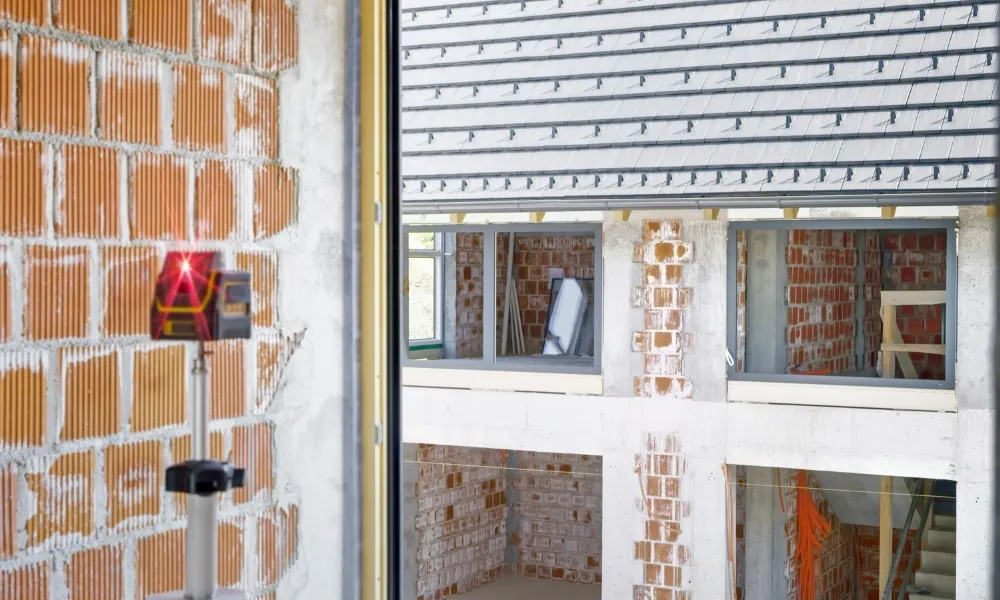
4. The remote control is not working.
First thing, make sure you are trying to pair the laser level and remote in an unobstructed line.
Otherwise, the two sensors will not communicate and the laser level will not respond to remote control inputs.
Also, use the remote control within the specified range. It will not work when out of range.
Also, ensure your remote control batteries should have enough voltage. Poor batteries will not provide the remote control enough power to operate.
5. Broken beam
When your laser level displays a broken beam, the first thing to check is the lenses.
An obstructed laser-level lens will display a broken beam line.
Next, if you’ve recently dropped your device, it could have damaged components. You will need a professional to fix this, or you will need a replacement.
Also, your laser level may display a broken beam when other devices are interfering with the line.

6. Misalignment or wrong calibration
Misalignment or wrong calibration could display uneven, offset, misaligned, or broken beams.
Also, improperly calibrated laser levels may display inaccurate readings for distance or angles. Improper calibration can be a result of different problems:
- Severe impact
- Temperature changes
- Optical problems
- Aging or wearing
To diagnose an improperly calibrated unit, test your laser level for accuracy.
Test the laser level at different points and compare their tolerances against the manufacturer’s specs.
It should be within the manufacturer’s recommended range of accuracy to have a laser level considered to be correctly calibrated. While you may opt to calibrate manually, it’s best to bring it to a professional.
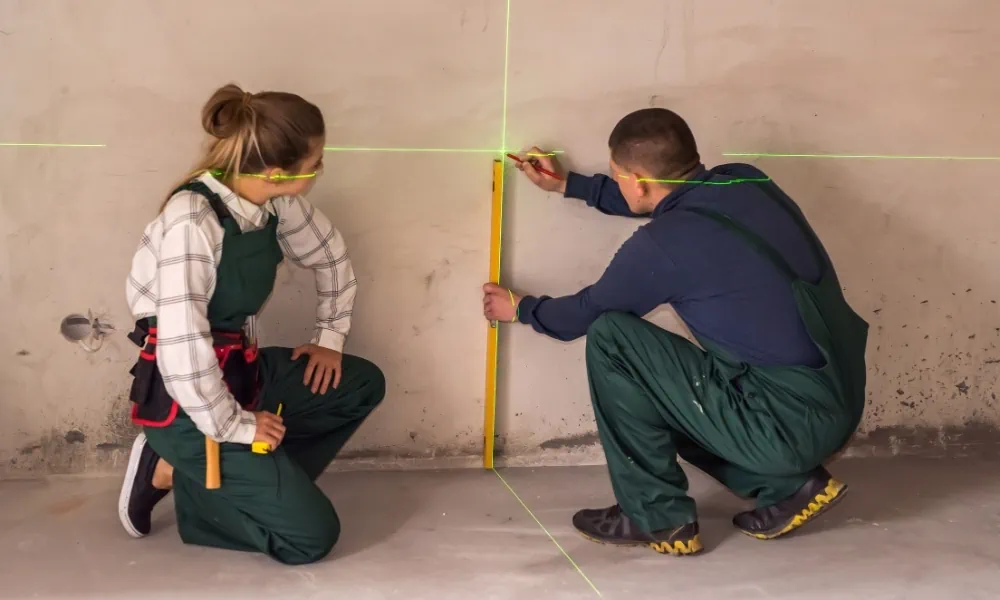
7. The battery is not charging.
Your battery may not charge in different cases. The battery contacts might have been corroded or have dirt on the terminals.
A dirty or corroded battery contact will not let power pass through the device to power it up properly.
If your battery is defective or has failed, it will not charge. Also, your charger should be working correctly.
If it is malfunctioning, you need a new charger that works. Also, make sure you store your laser level in a favorable environment and inside a protective hardshell case.
Extreme temperatures can cause damage to the battery contacts [1] and cause it not to charge as intended.

Final Thoughts
The condition of your laser level depends on your handling and usage habits.
To keep your laser level in good condition, keep it away and protected from dirt and debris as much as possible.
Avoid dropping or knocking the tool over. And make sure to always lock the pendulum before moving the tool.
Constant dropping and impacts could cause the internal parts and components to loosen up, and so can moving a laser level with the pendulum inside left unlocked.
Make it a habit to check the battery level. And store your device in a cool and dry place.
Avoid exposure to dirt and moisture. And most importantly, regularly check it for accuracy. This way, you can enjoy the attributes of a well-working laser level.
If you think you need to replace your device, check our list of the most reliable laser levels here.

More information:
Temperature effect and thermal impact in lithium-ion batteries: A review of a study published by https://www.sciencedirect.com/science/article/pii/S1002007118307536


